
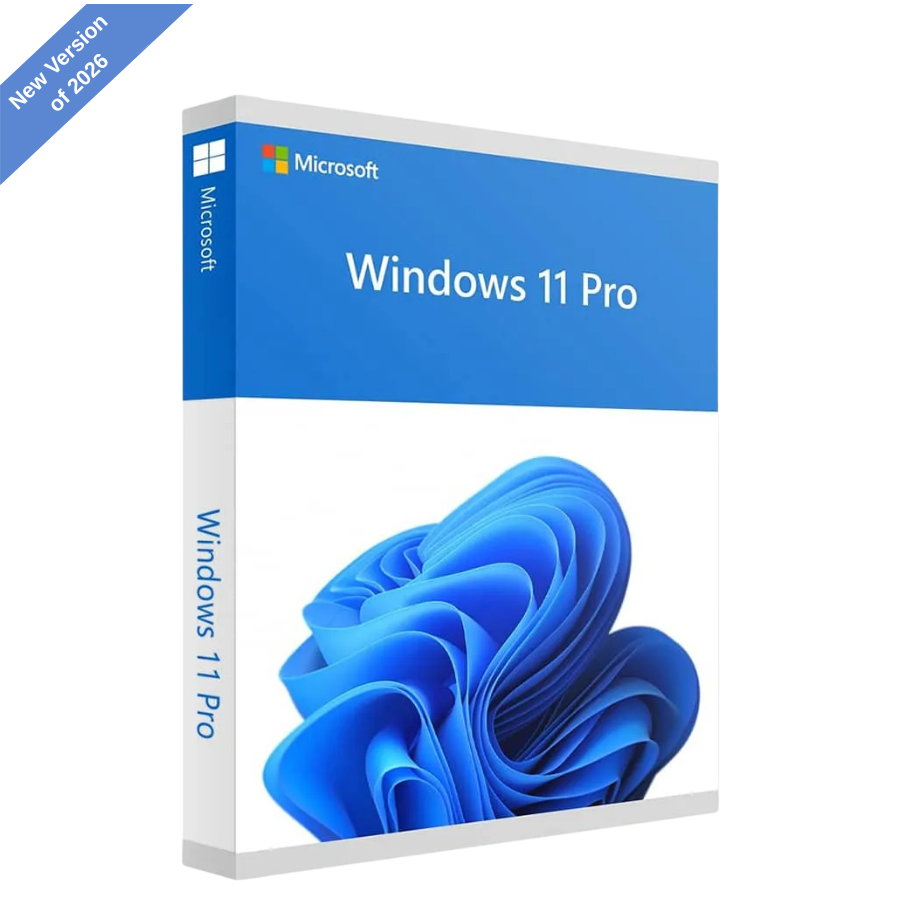
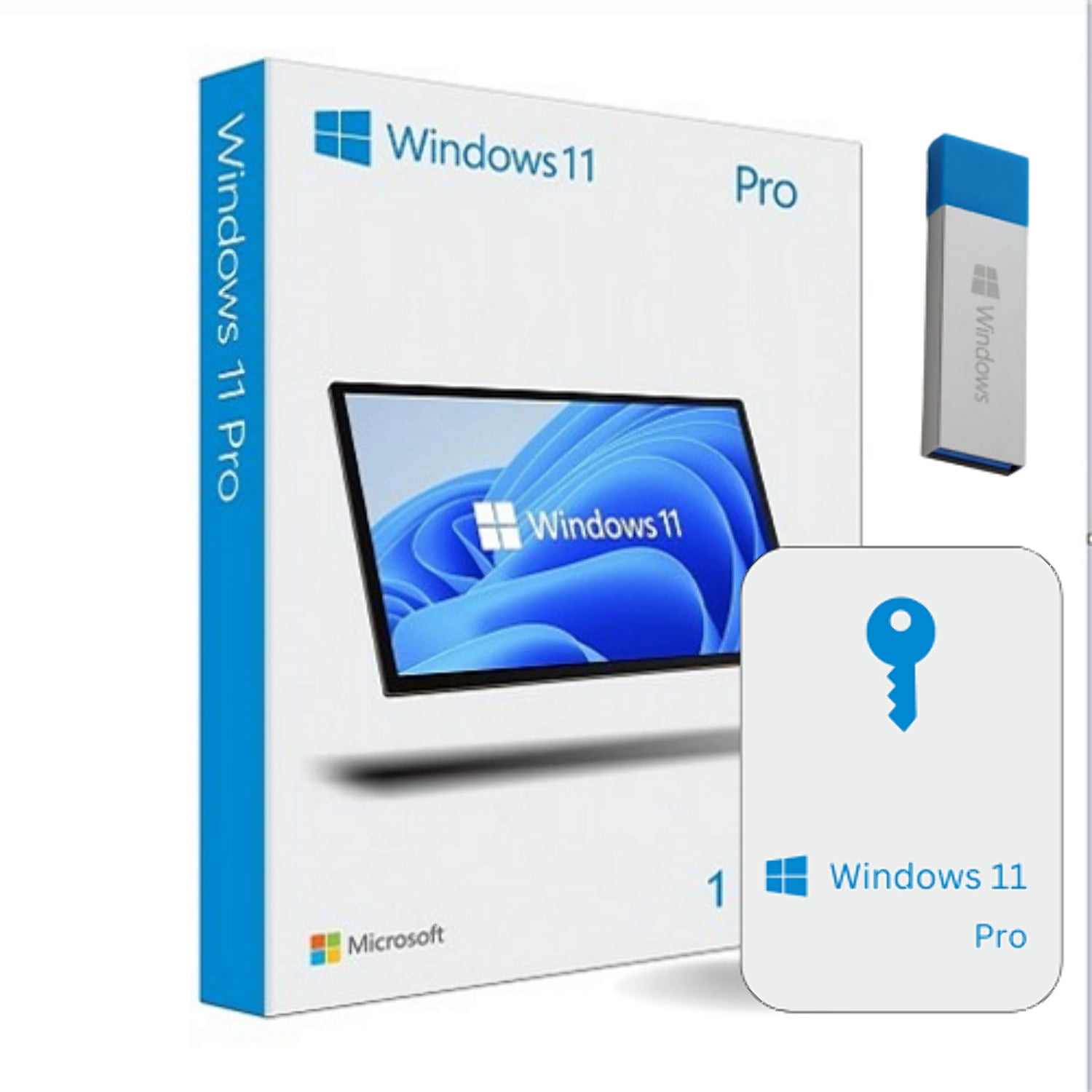
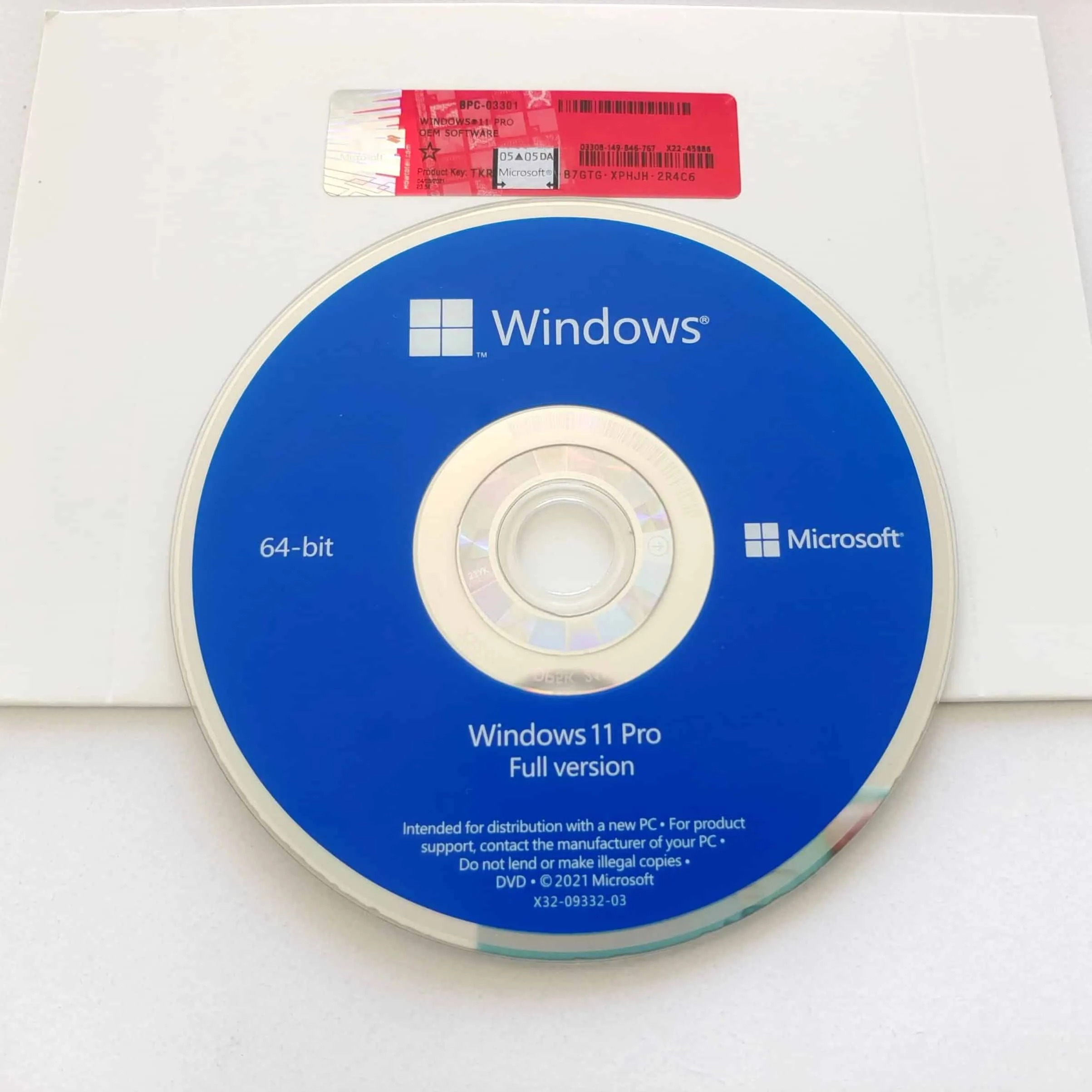
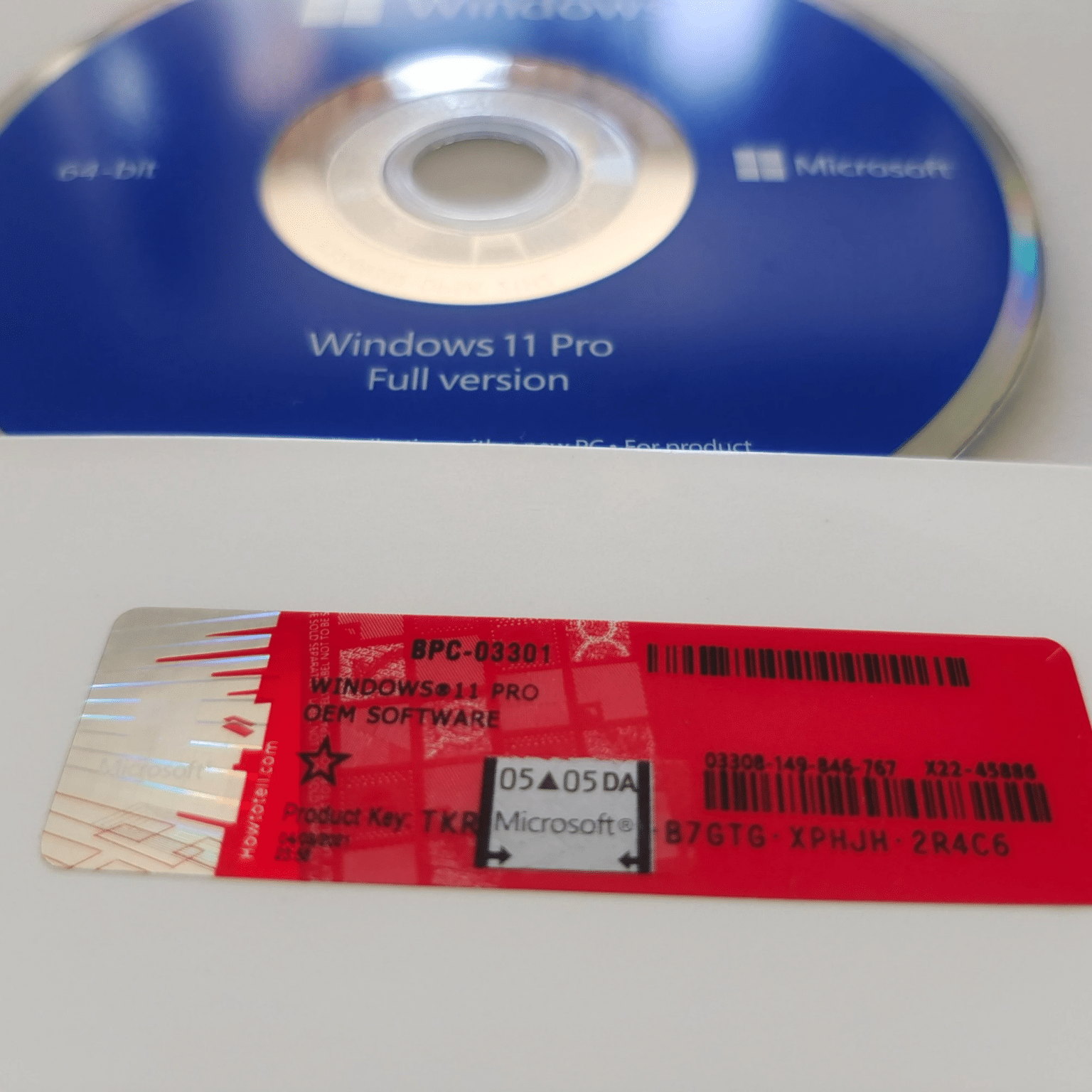
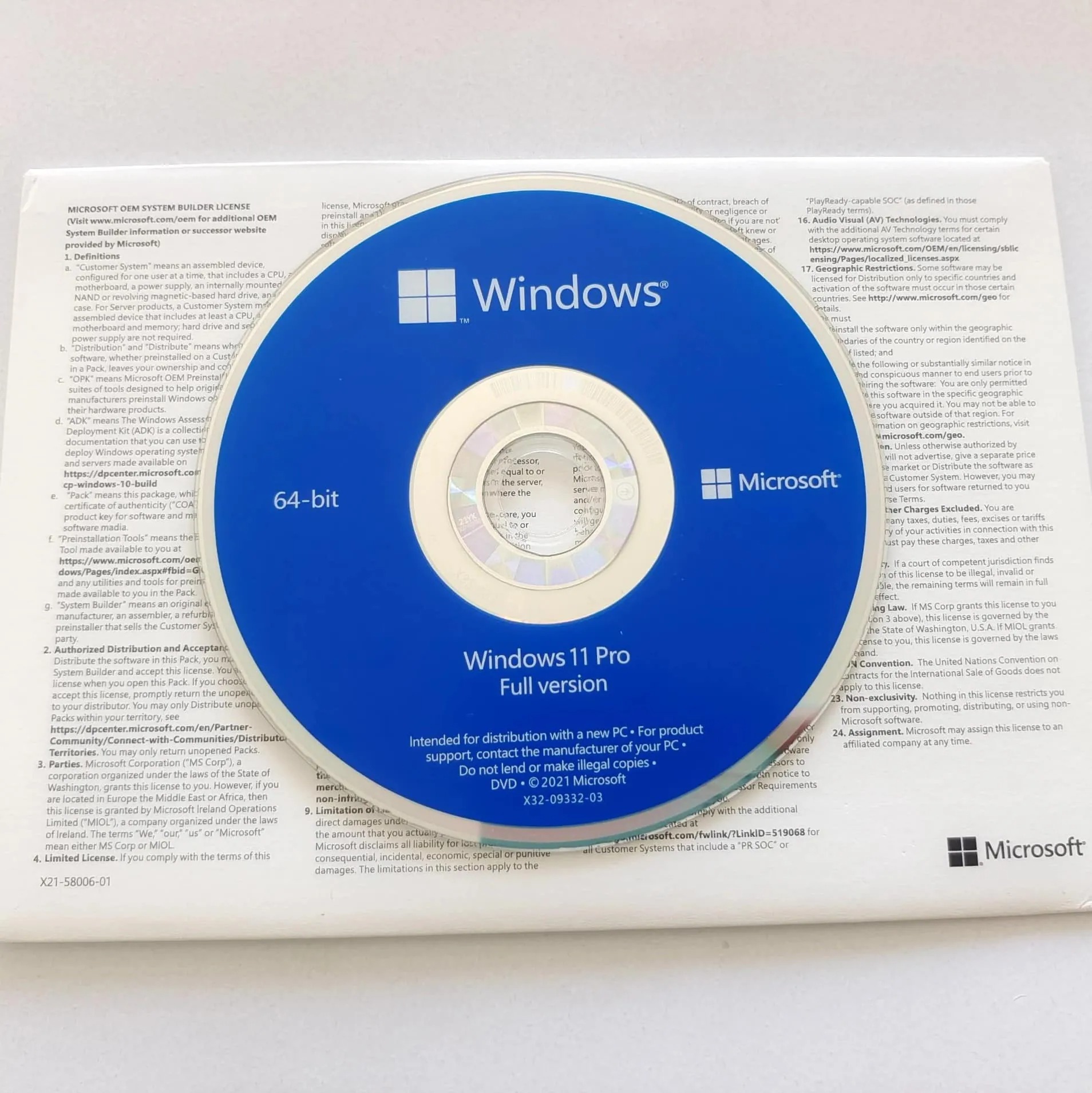
Microsoft Windows 11 License (Lifetime)
Based on over 300 reviews
£9.90 – £34.99Price range: £9.90 through £34.99
Limited Time: Over 50% Off

Installation Support

Lifetime License

Multilingual Package

Download or USB/DVD
What Does The Windows 11 Pro Product Key Include?
- One-time purchase with lifetime Windows 11 Pro or Home licence for one PC
- Genuine 25-digit product key for secure activation
- Official Microsoft Windows 11 Pro / Home download link
- Step-by-step installation and activation guide
- Works on compatible Windows systems that meet minimum system requirements
- Upgrade from Windows 10 Home or Windows 10 Pro supported
- Reactivation allowed after system reset or formatting on the same device
- Advanced security features including device encryption and firewall protection
- No subscriptions, renewals or hidden fees



EXCELLENTTrustindex verifies that the original source of the review is Google. Serviço excelente Recomendo.Posted on GoogleTrustindex verifies that the original source of the review is Google. Purchased a software license for a very good price. I got the email with the software license code and the download link straight away. Installed easily. I am very happy. I also got a follow up text to check if I needed any help. Wow, amazing service !Posted on GoogleTrustindex verifies that the original source of the review is Google. Really great service. Couldn't be more helpful!Posted on GoogleTrustindex verifies that the original source of the review is Google. Satisfied customer! I read the reviews before i got this product and was still a little on the fence. But to my surprise my purchase with instructions and the activation key arrived almost immediately. When i encountered a little problem with the installation, i reached out and my issue was resolved. ThanksPosted on GoogleTrustindex verifies that the original source of the review is Google. Brilliant product, great service and easy to follow instructions.Posted on GoogleTrustindex verifies that the original source of the review is Google. Great service ,I had an issue quickly resolved.Posted on GoogleTrustindex verifies that the original source of the review is Google. I looked at this company and wondered if the cheap price was a scam. I read the reviews and thought I would give it a go at the risk of losing twenty quid. This company sent the key out straight away and although I have a problem (my fault) they sorted it out for me and were there every step of the way. I would certainly use them again.Posted on GoogleTrustindex verifies that the original source of the review is Google. Ordered office 2021 instructions and code arrived instantly and had it downloaded and installed and activated in 15min. Instructions were very easy and clearPosted on GoogleTrustindex verifies that the original source of the review is Google. I purchased a copy of MS Office 2024 Pro Plus and to be honest I was a little nervous that it could turn out not to be genuine. However I went through with the process and received the product key and instructions within minutes. I am more than satisfied with the service I received and would positively recommend them in the future. Many thanks.Posted on GoogleTrustindex verifies that the original source of the review is Google. It works its cheaper than Microsoft 365 by a country mile with one of licence fee whats not to likeVerified by TrustindexTrustindex verified badge is the Universal Symbol of Trust. Only the greatest companies can get the verified badge who has a review score above 4.5, based on customer reviews over the past 12 months. Read more
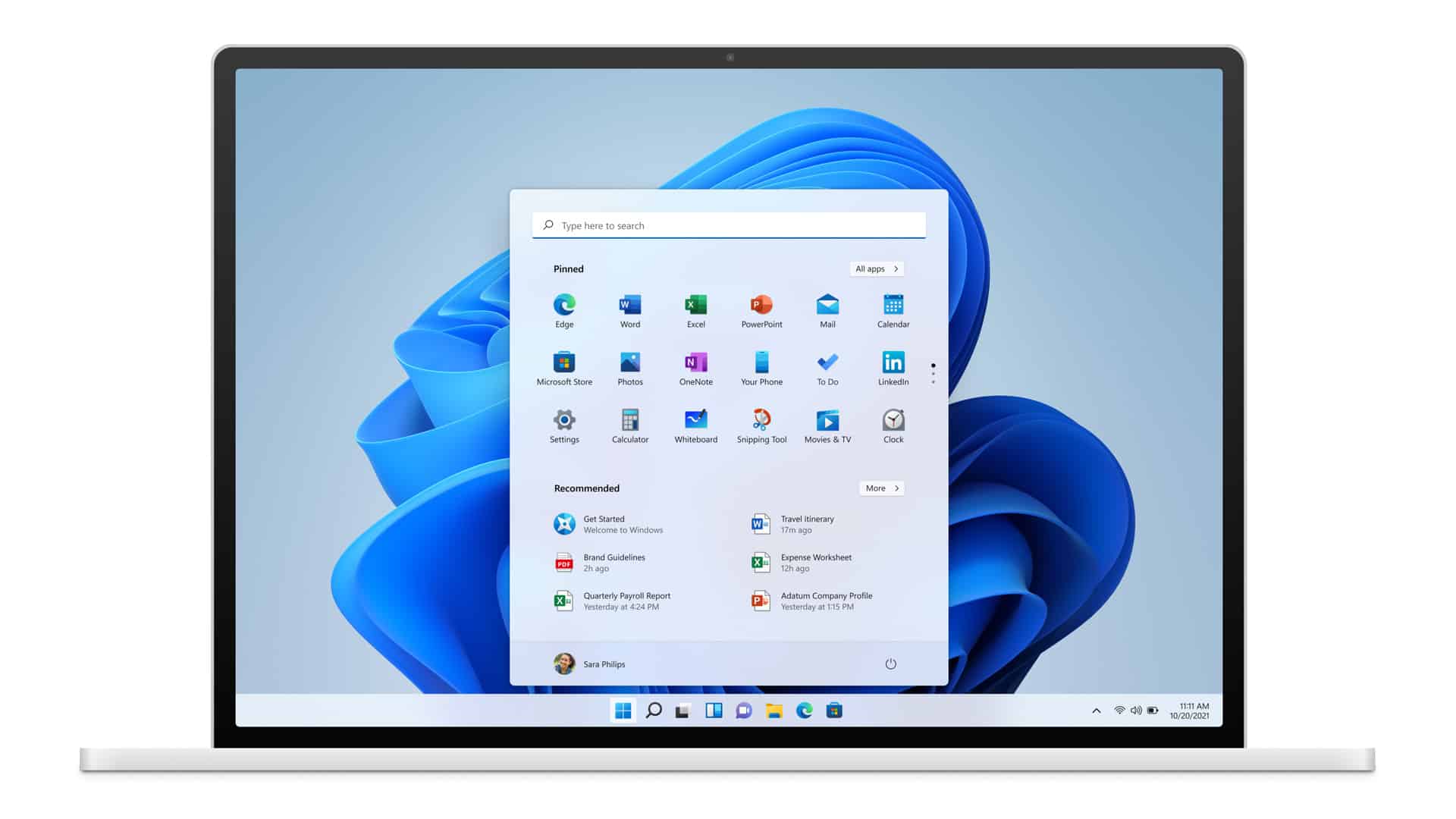
How the Windows 11 Pro License Works and What You’ll Receive
When you buy a Windows 11 Pro licence from Recy Code, you get:
- A one-time purchase licence with lifetime activation for Windows 11 Pro
- Installation on one PC with no monthly fees, renewals or subscriptions
- A genuine Windows 11 Pro product key sent by email after purchase
- An official Microsoft download link for Windows 11 Pro
- A step-by-step installation and activation guide to help you get set up quickly
- Compatibility with supported Windows systems that meet minimum requirements
- Reactivation allowed on the same device after a system reset or formatting
- Access to installation support if you need help at any stage
Depending on the option selected, your order may include digital delivery only or a physical DVD or USB installer.
- Digital key options are delivered by email and do not include any physical media.
- DVD options include a physical installation disc for PCs with a DVD drive.
- USB options include a bootable USB drive, ideal for modern systems without a disc drive.
Please ensure you select the correct version at checkout, as each option only includes the format stated.
What You Can Do With Windows 11 Pro
Here’s a quick overview of the key Windows 11 Pro features and how they help you work, connect, and stay secure across different devices.
Advanced Security with BitLocker
Windows 11 Pro includes device encryption to help protect sensitive information stored on your PC. BitLocker ensures your data remains secure if your computer is lost or stolen.
Remote Desktop Access
Access your PC remotely using built-in Remote Desktop functionality. This is ideal for business users, remote workers, or anyone managing files across multiple devices.
Built-in Virtualisation with Hyper-V
Run virtual machines directly on your computer using Hyper-V. This is useful for testing software, managing systems, or using different operating systems safely.
Centralised Device Control with Group Policy
Group Policy allows you to manage system settings, security rules, and user access more effectively, giving you greater control over how your Windows system operates.
Improved Multitasking and Productivity Tools
Snap layouts, multiple desktops, and an updated Start Button help users manage apps more efficiently and stay productive throughout the day.
Seamless Integration with Microsoft Services
Windows 11 Pro works smoothly with Microsoft services, including Windows Update and cloud tools, ensuring your operating system stays secure, stable, and up to date.
Installation Options Explained
Windows 11 Pro is available in different formats to suit how you want to install it. Please make sure you select the correct option at checkout.
Digital Key (No Physical Media)
This option includes the Windows 11 Pro licence key only, delivered by email. It does not include a DVD or USB drive and is best if you’re upgrading an existing system or creating your own installation media using the official Microsoft download tool.
Physical DVD Installer
This option includes your Windows 11 Pro licence key plus a physical DVD installer. Suitable for PCs with a DVD drive. No USB drive is included with this version.
Physical USB Installer
This option includes your Windows 11 Pro licence key plus a bootable USB installation drive. Ideal for modern systems without a disc drive. No DVD is included with this version.
Can I Upgrade from Windows 10 to Windows 11 Pro?
Yes, upgrading from Windows 10 to Windows 11 Pro is supported, provided your PC meets the minimum system requirements. You can upgrade directly from Windows 10 Home or Pro using your Windows 11 Pro licence key.
Before upgrading, we recommend checking your device compatibility using Microsoft’s PC Integrity Check App. This ensures your system supports features such as TPM 2.0 and Secure Boot, which are required for Windows 11.
Gain a Fresh Perspective with Windows 11
Windows 11 Professional, Pen Drive offers a smooth, reliable, and convenient way to experience Microsoft’s most advanced operating system. Designed for productivity and creativity, Windows 11 Pro helps you connect, create, and achieve more; all with enhanced performance, security, and flexibility.
By choosing the physical Pen Drive version, you’ll enjoy an easy installation process and the assurance of owning an authentic, high-quality product. Purchase with us and benefit from the best market conditions, guaranteed quality, reliability, and dedicated support.
Windows 11 – Product Comparison
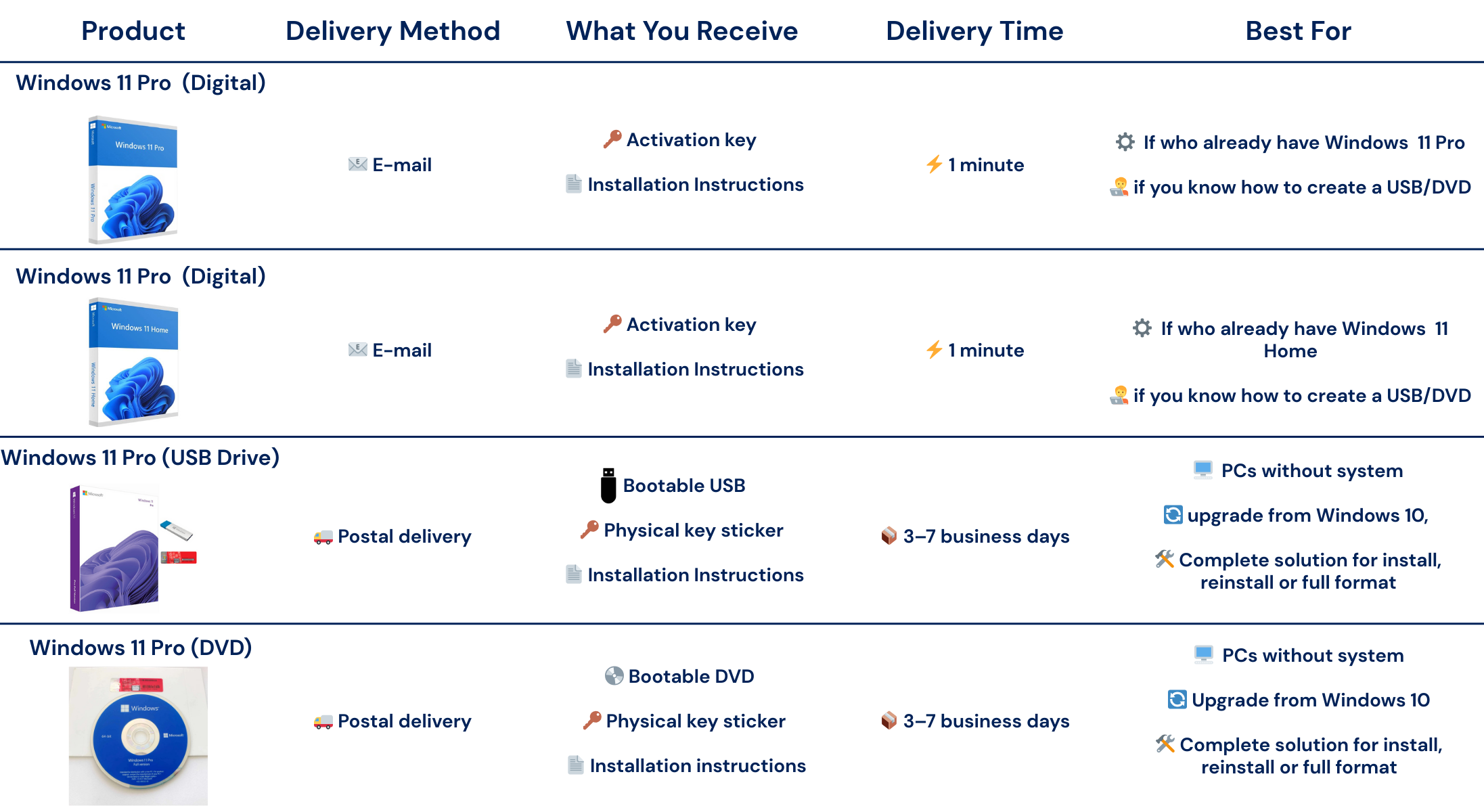
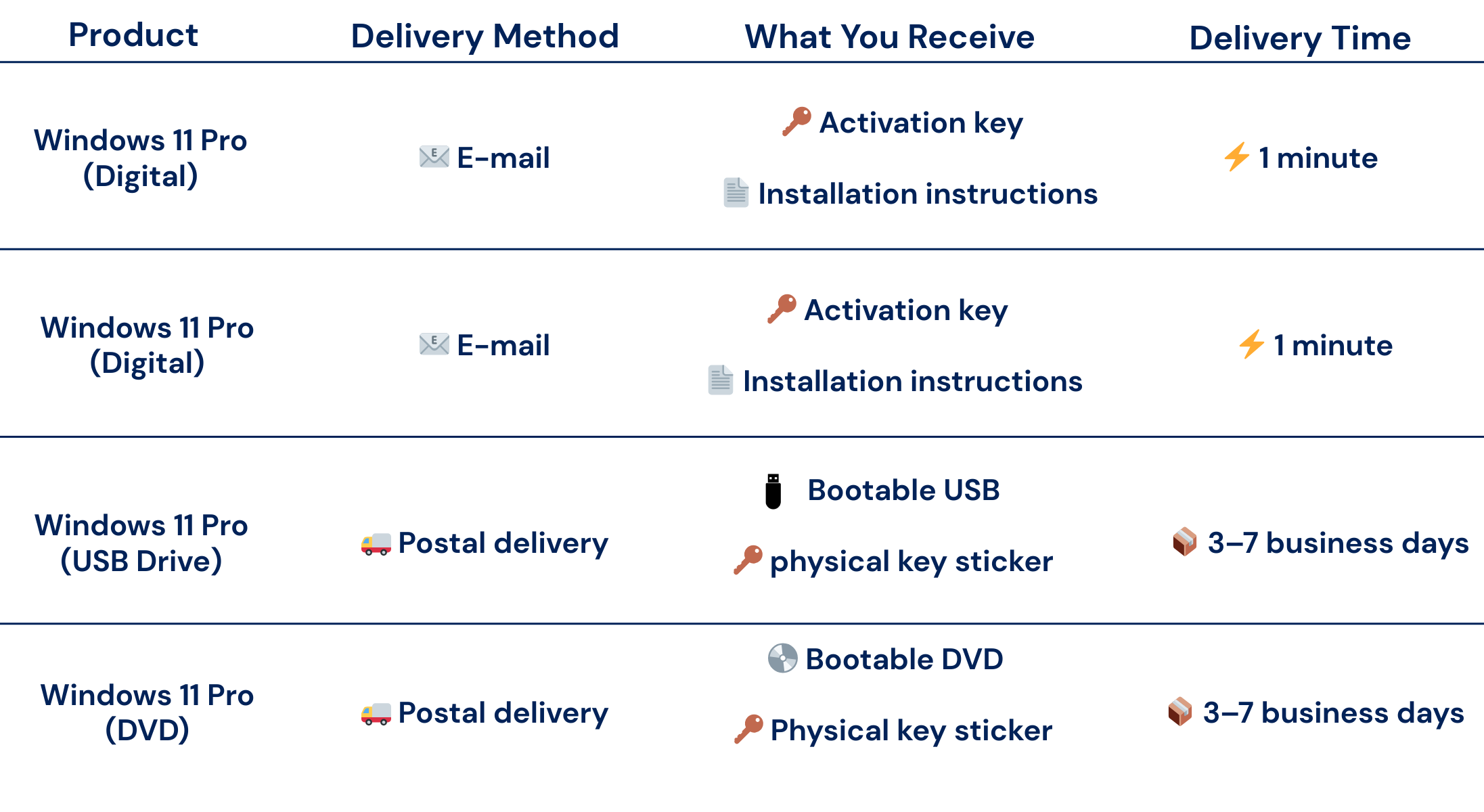
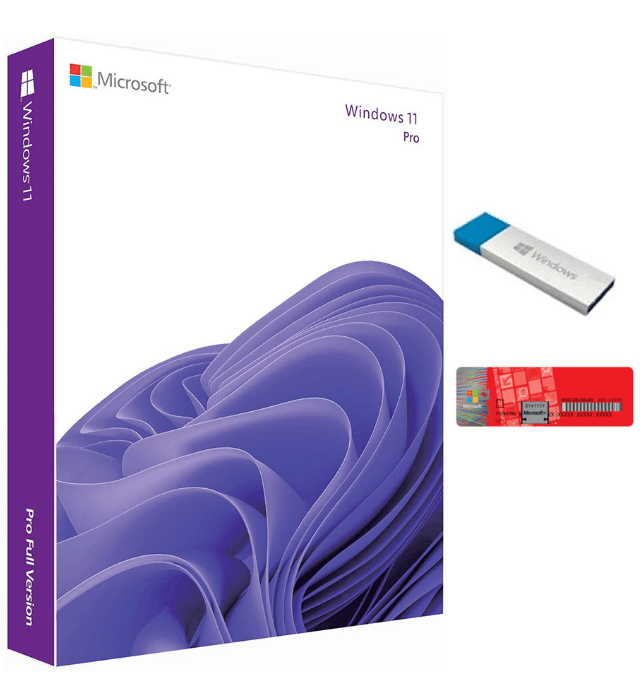
What Does The Windows 11 Pro DVD/Pendrive include?
• One-time purchase for 1 PC with a lifetime 25-physical key
• Fast UK delivery in 3 or 7 days
• 16gb Windows 11 Pro Pendrive or DVD in English and step-by-step installation guide included
• Multilingual: English, German, French, Italian, Spanish, etc
• Reactivation allowed after system formatting.
• Key valid for ONE computer only; non-transferable
What Does The Windows 11 Pro Product Key Include?
- One-time purchase with lifetime Windows 11 Pro licence for one PC
- Genuine 25-digit product key for secure activation
- Official Microsoft Windows 11 Pro download link
- Step-by-step installation and activation guide
- Works on compatible Windows systems that meet minimum system requirements
- Upgrade from Windows 10 Home or Windows 10 Pro supported
- Reactivation allowed after system reset or formatting on the same device
- Advanced security features including device encryption and firewall protection
- No subscriptions, renewals or hidden fees

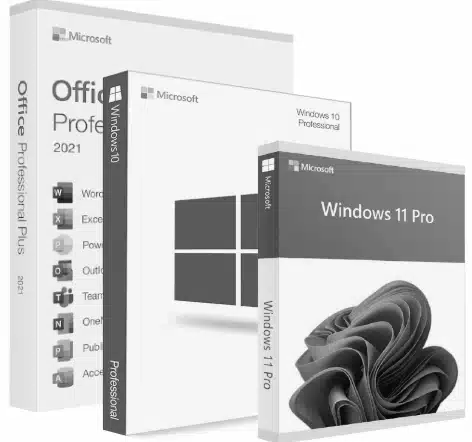




Windows 11 Pro System Requirements
To install Windows 11 Pro, your computer must meet the following minimum system requirements:
| Processor | 1 gigahertz (GHz) or faster with 2 or more cores on a compatible 64-bit processor |
| RAM | 4 GB RAM |
| Storage | 64 GB or more |
| System Firmware | UEFI, Secure Boot capable |
| TPM | Trusted Platform Module (TPM) version 2.0 |
| Graphics Card | DirectX 12/WDDM 2.x compatible |
| Display | 9 inches with HD resolution (720p) |
| Internet Connection | Microsoft account and an internet connection are required to set up Windows 11 |
Experience Windows 11 Pro with a Clean, One-Time Setup
Windows 11 Pro offers a streamlined experience designed for modern systems. With a single purchase, you gain access to all the features you need without ongoing costs or complicated subscription models.
From enhanced security to improved performance, Windows 11 Pro gives you a stable and reliable operating system that works across multiple devices. Everything is designed to run smoothly from the moment you activate Windows.
What Are The Benefits of Upgrading to Windows 11 Pro?
- Lifetime licence with no recurring fees
- Advanced security features for data protection
- Better performance on modern PCs
- Built-in tools for business and professional use
- Greater control over devices and systems
- Reliable updates and long-term support
Difference Between Windows 11 Pro vs Windows 11 Home
Windows 11 Pro includes several advanced features not available in the Home edition. While Windows 11 Home is suitable for everyday home users, the Pro edition is designed for users who need more control, security, and flexibility.
With Windows 11 Pro, you get additional tools such as BitLocker, Remote Desktop, Group Policy, and support for Azure Active Directory. These features make it a better choice for business users, professionals, and anyone managing multiple systems or devices.
Frequently Asked Questions About The Microsoft Windows 11 Pro Licence
Is this a one-time payment or a subscription?
This is a one-time purchase with lifetime activation and no recurring fees.
Is this a genuine Windows 11 Pro license?
Yes, all licences are legally sourced, verified, and activated directly with Microsoft.
How will I receive my Windows 11 Pro product key?
Your product key is delivered by email after purchase. If you select a physical option, the installer will be shipped separately.
What’s included with the digital key option?
The digital key option includes the Windows 11 Pro licence key only. It does not include a DVD or USB drive.
What’s included with the DVD option?
The DVD option includes your Windows 11 Pro licence key plus a physical DVD installer. A USB drive is not included with this version.
What’s included with the USB option?
The USB option includes your Windows 11 Pro licence key plus a bootable USB installation drive. A DVD is not included with this version.
Can I reinstall Windows 11 Pro if I reset my PC?
Yes, you can reactivate Windows 11 Pro on the same device after a reset or format.
Reducing Digital Waste in 3 Smart Steps:
1. Buy Unused Licenses
We purchase unused or surplus Microsoft license keys from businesses across the UK.
2. Verify & Refurbish
Each key is legally verified and checked for authenticity and compliance with Microsoft regulations.
3. Resell
This way, we can get keys at more affordable and legal prices – while helping to reduce digital waste and promote circular tech use.